Guide: how to use Retrace
Retrace answers one question about a picture: where did it come from? This page explains how to submit one, how to read the report, and what your level gives you.
Check a picture Plans
What you get
- Earlier copies of the same image on the open web, and the pages that carry them.
- The date it first appeared, when the sources make it possible to tell.
- What the frame itself shows: readable text, the kind of place, landmarks, and the shooting details the file carries.
- A location on a map, when the picture gives enough to name one.
- Links for every claim: each statement in the report points to the page it rests on, so you can check it yourself.
How to check a picture
- By link. Paste the address of an image into the field on the home page and press Check.
- By file. Drag a picture, a GIF or a short video onto the page, or click the area to choose a file.
- From the clipboard. Copy an image and press Ctrl+V on the page.
- On a phone. Take a photo with the camera button or choose one from the gallery. On Android, an installed Retrace also appears in the system Share menu.
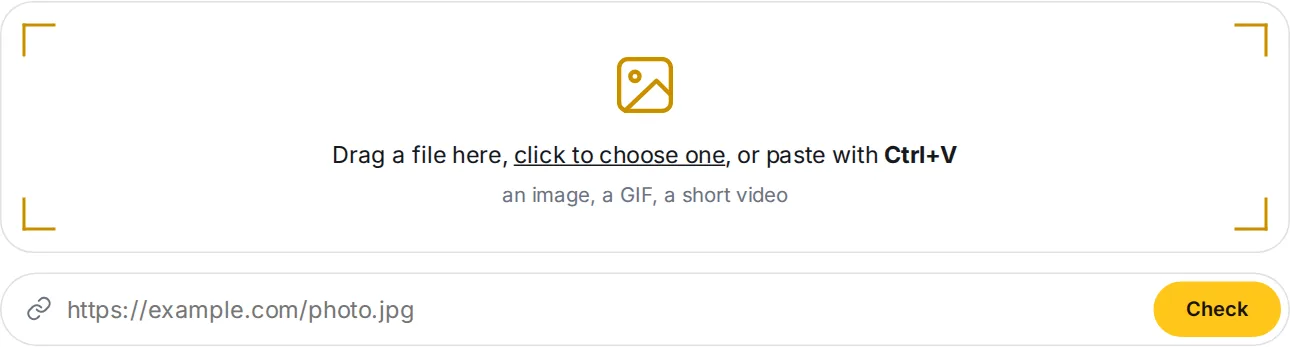
 Drop a file, paste a link or press Ctrl+V. The form is always on the main page.
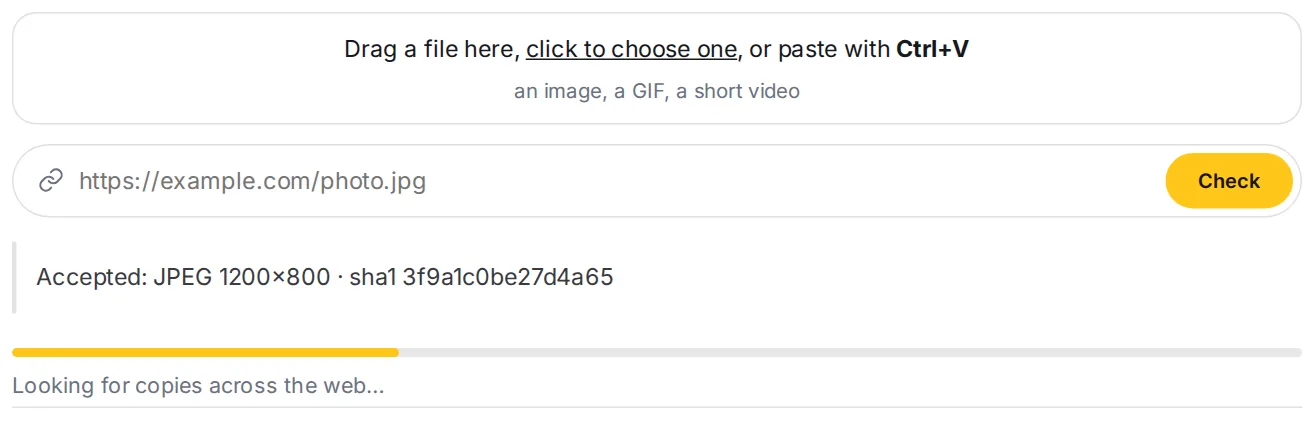
 While we work, a progress bar shows what is being checked. The report opens on the same page.
Use the original file when you have it. Screenshots and re-saved copies lose details that the original carries, such as the shooting date and the place.
Reading the report
- The answer card at the top says who or what is shown, where it was taken, and what the picture is. Each line states how sure we are.
- Basis separates what was measured, what several independent sources agree on, and what rests on a single source.
- Copies list where the same image was found, with the earliest known appearance.
- Links open the source pages in a new window.
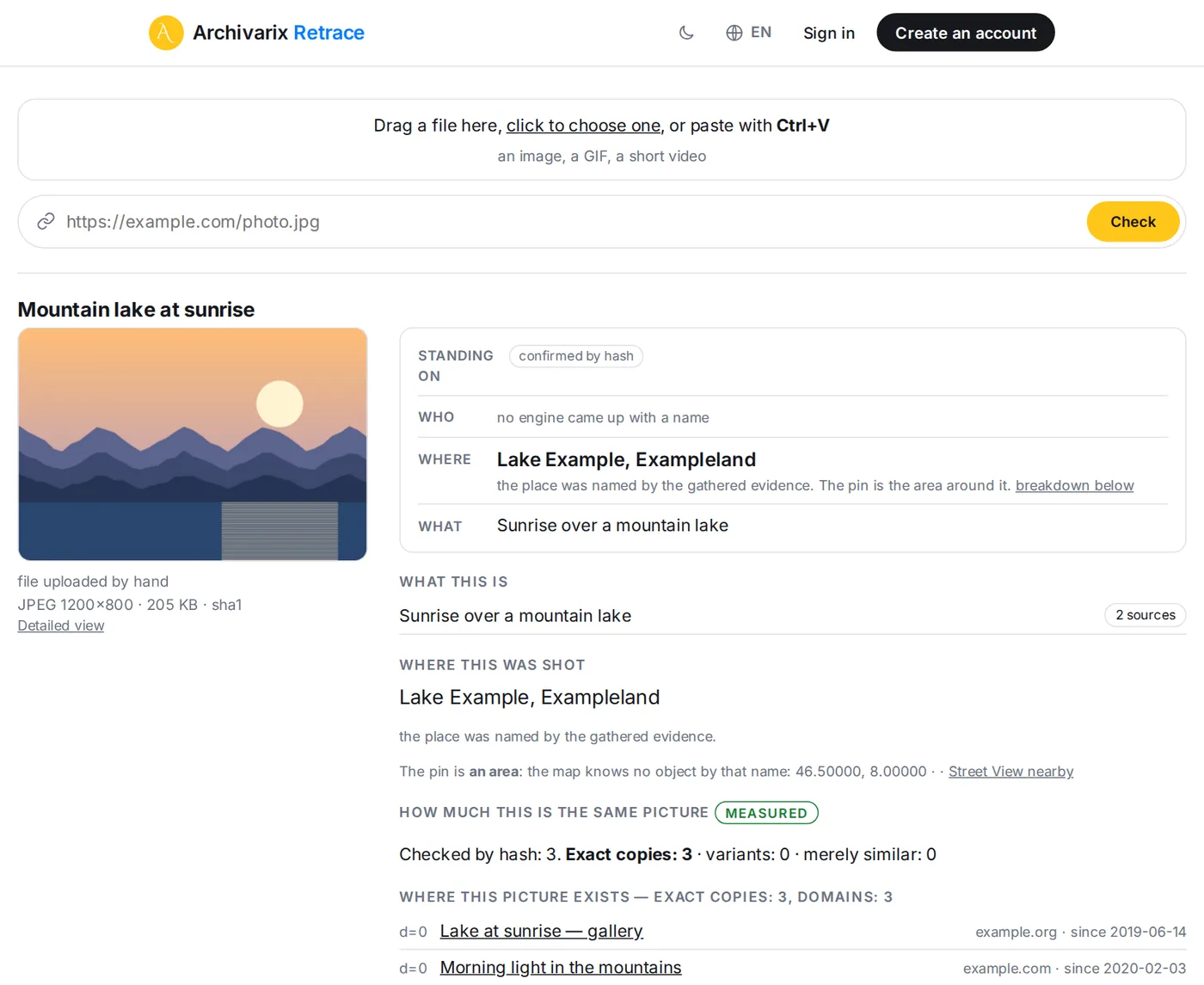
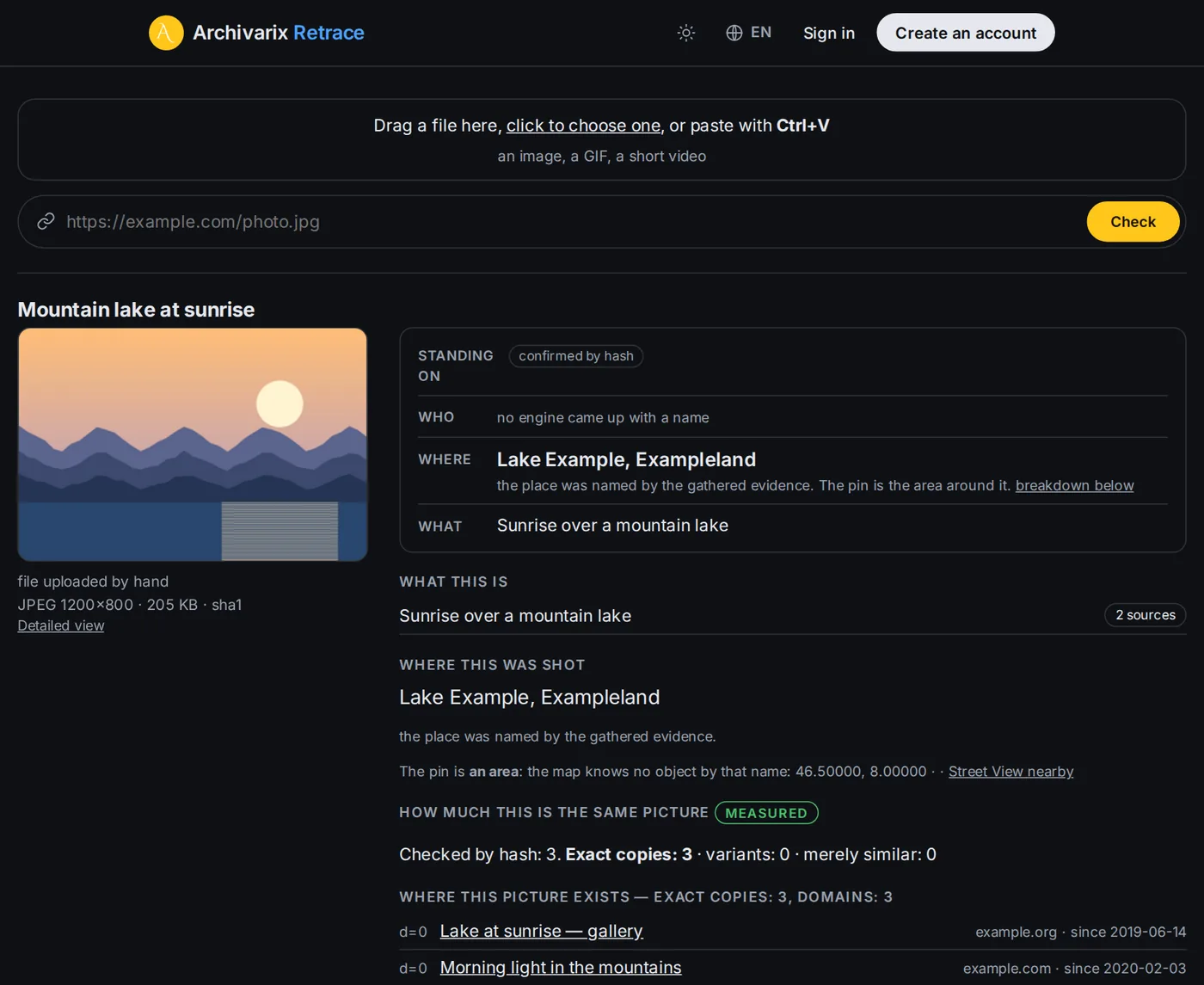 The answer card comes first: who or what, where, and since when. Every line links to its evidence.
A report is a set of hypotheses with evidence. It does not deliver a verdict. The open web is incomplete, so a missing finding proves nothing.
Limits and levels
Every level has a number of checks per day: 3 without an account, 10 with a free account, 100 on Plus and 500 on Pro. A check is counted only when real work is done. Opening a report made moments ago for the same image does not use one. The day resets at midnight UTC. Compare plans on the pricing page.
Your account
You sign in with your Archivarix account, the same one you use for Tube Search and Echo. The data stays separate: your Retrace checks are stored only here. Open your account to see your usage and saved checks, or to delete your Retrace data. Subscriptions and the account itself are managed on Tube Search.
Need help?
Read the about page, the privacy policy and the terms, or contact us.
Retrace is a service by Archivarix.